|
| A-Enter T&M Billing Information |
|
|
|
ENTER T&M BILLING INFO
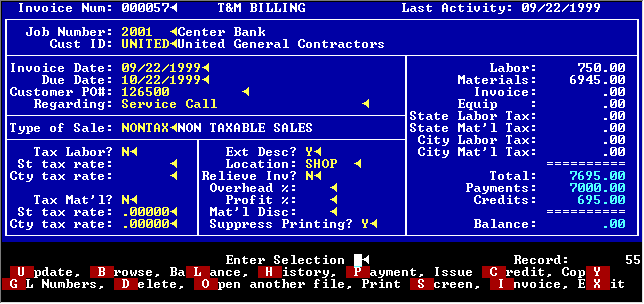
A T&M Bill is also an A/R invoice. The first screen is identical except for the addition of a few extra fields for location, overhead, profit, etc.
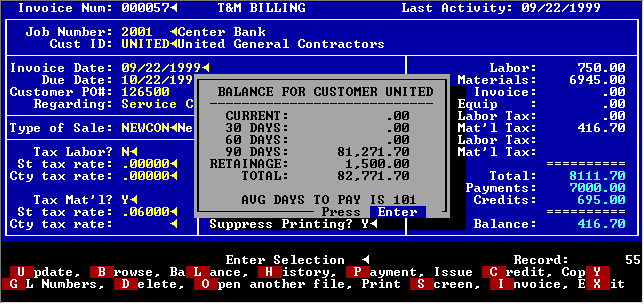
Payment and credits may be made from this screen. You can also look at the history of this invoice, make a copy and view or print it. The balance of the customer or job may also be checked here.
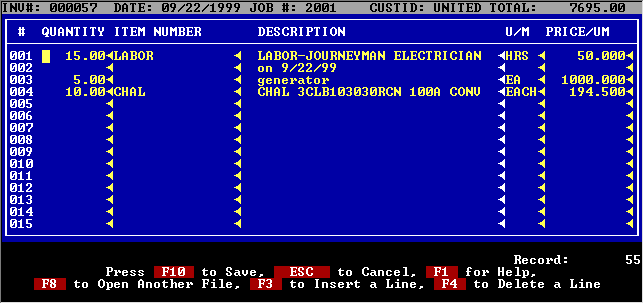
Items are entered here. You may use item number or simply enter a quantity, description and price. All prices may be overridden. The total invoice amount including any tax is shown in the upper right corner of the screen.
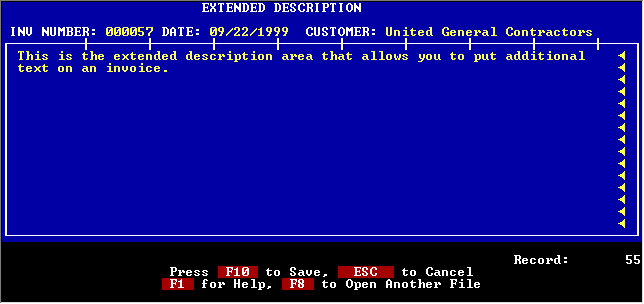
Additional wording may be included on the T&M bill by entering it here.
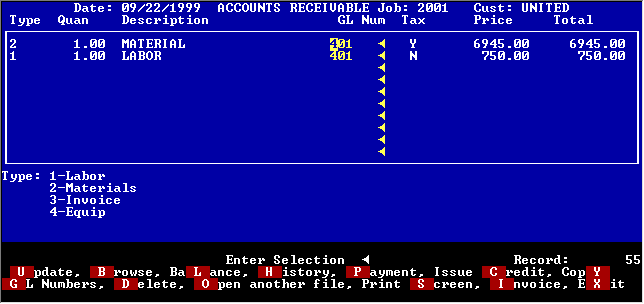
The GL accounts that are automatically used may be changed on this screen if needed.
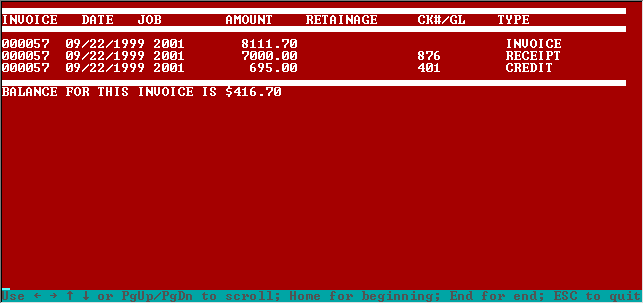
The history of a T&M invoice can be displayed at any time showing all payments and credits.
The balance of either the customer or job may be display with one keystroke.
|